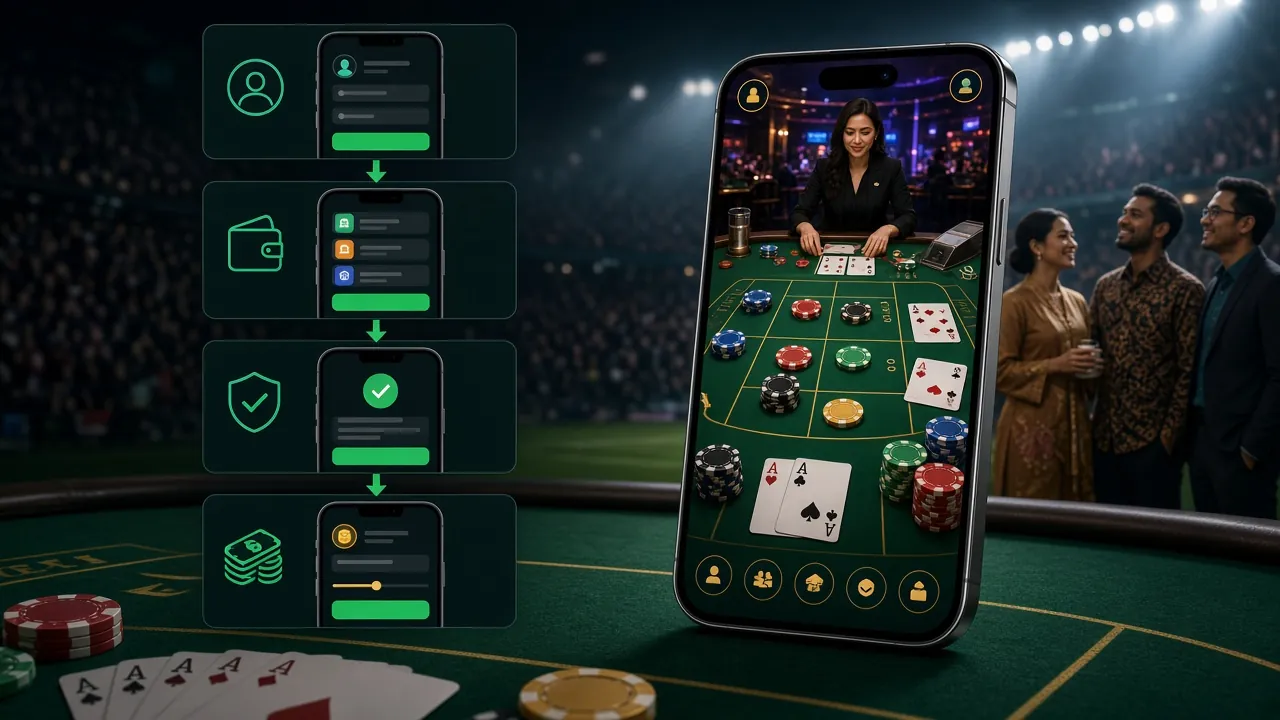
koboi89 App: Install the APK and Log In on Android

The koboi89 app carries the full lobby, not a stripped demo: 2,400 games, live tables, crash rounds and the same wallet you use in the browser. The Android package is free, 41 MB, and installs without the Play Store.

  • 41 MB file
  • Android 10.0 and up
  • Free, signed build

Reading this on a laptop? Scan the code with your phone camera, or send yourself the link and finish the install from the notification bar.

18+ · Play Responsibly

Play Everything: Slots, Live Tables and Crash in One App

The APK is the whole lobby shrunk for a phone screen. Six things you will notice inside the first session.

Player holding an Android phone with the koboi89 app lobby open on screen

Same account, two screens

Log in with the details you already registered and your balance, bonus progress and pending withdrawals match the browser. No second wallet to top up, no separate verification queue, and the session history stays in one place.


A cashier built around local wallets

Touch ’n Go eWallet, DuitNow, FPX Online Banking and bank transfer all work inside the app. Deposits normally clear in about 1 minute, and the cashier remembers your last method so the next top-up is two taps.

Every lobby behind one menu

All 2,400 titles from Pragmatic Play, CQ9, Evolution, JILI, KA Gaming and JDB sit in the same thumb menu. Filter slots, live tables, fishing and crash rounds, or reopen the last game you played without searching again.

Lighter when you leave Wi-Fi

Live tables drop to a lower stream bitrate on mobile data, which stops a single session from eating your monthly plan. Quality returns to full once the phone reconnects to a stable network.

Alerts only after you agree

Bonus drops and withdrawal approvals can arrive as notifications. The app asks for that permission once during setup; decline it and nothing reaches your lock screen. Android settings can change the answer later.

English or Bahasa Melayu, always RM

The interface follows your phone language, so menus read in English or Bahasa Melayu. Amounts stay in RM and timestamps use UTC+08, which keeps a 28-minute withdrawal estimate honest wherever you are.

Two tiles that show the load speed

Both open from a cold start without waiting on a browser tab. Minimum bets start at RM1, and the rest of the lobby loads the same way.

Check Your Device Against the APK Requirements

Confirm the phone can run this build before you spend data on it. The table lists the current release exactly as it ships; if the device falls short, the browser lobby still opens on any modern handset.

Download APK

File: koboi89.apk · 41 MB · version 2.9.18

Android build details for the koboi89 app
ItemDetail
Version2.9.18
File namekoboi89.apk
File size41 MB
Minimum Android10.0
Last updated11 November 2026
PriceFree
Interface languagesEnglish, Bahasa Melayu
Download sourceThis page, signed release build

Set aside roughly 100 MB in total: 41 MB for the installer plus room for cached game art. Updates install over the top and keep your login, and the app never needs a Play Store account.

Compare: App Download Against Browser Play

Both routes reach the same lobby, the same wallet and the same bonus terms. The difference is how the phone handles the session, so choose based on how you actually play rather than on which one sounds newer.

What changes when you install instead of browsing
What changesAndroid appBrowser
Getting startedType the address, nothing to install
Space on the phoneNothing stored locally
Data on mobileFull quality, higher usage
Games availableAll 2,400 titles
Cashier methodsSame four methods
AlertsNone, you check the site
UpdatesRefresh picks the build up
Best foriPhone, shared devices, quick checks

Take the app if you play most days on the same Android handset and want the cashier a thumb away. Stay in the browser if you are on an iPhone, borrow devices, or would rather not keep a 41 MB file on board. Either route signs you into the same casino lobby and earns the same tier turnover.

Review the Permissions Before You Tap Install

Android shows a permission list during setup, and a package from outside the Play Store gets an extra warning. Here is what each permission covers and what the app leaves alone.

  • Storage, for the installer Android needs storage access so the package can unpack and later replace itself. Once the app is running it does not read your gallery, documents or downloads folder, and no personal file is uploaded in the background.
  • Network, for games and the cashier The network permission covers game loads, live streams and the cashier. Payment and verification pages open over an encrypted connection, and wallet details are entered on those pages rather than stored on the handset.
  • Notifications, only if you opt in This one is optional. Accept it to hear about bonus drops and withdrawal approvals; refuse and the app still works, just without the alerts. Changing your mind later takes two taps in Android settings.
  • What it never asks for No SMS, contacts, call log or location. If a download requests any of those, you have the wrong file: delete it and pull the 41 MB build from this page again, because re-packed copies from mirror sites are the usual culprit.

Check the name reads koboi89.apk and the size reads 41 MB before opening anything. KYC documents (National ID Card, passport or driving licence) are only uploaded later, when you request your first withdrawal.

Install It: Five Steps from Download to First Bet

The whole job takes one sitting. Follow the steps in order, because skipping the first one is what produces most of the "app not installed" messages players ask about.

  1. 1

    Allow installs from this source

    Open Settings, then Apps, then Special app access, then Install unknown apps. Pick the browser or file manager you will download with and switch the toggle on. Android 10.0 and newer label this Allow from this source.

  2. 2

    Pull the 41 MB file

    Tap Download APK on this page. On Wi-Fi the transfer finishes in seconds; on mobile data it takes longer and counts against your plan. Chrome shows progress in the notification bar, so keep the page open.

  3. 3

    Open the file and install

    Tap the finished download, or find koboi89.apk in Files, then Downloads, and confirm Install. If a Play Protect prompt appears, choose More details and then Install anyway. The install itself takes a few seconds.

  4. 4

    Sign in or register

    Open the app and log in with your usual koboi89 username and password, or create an account if you are new. Registering first also unlocks the 105% welcome bonus up to RM975 before your opening deposit.

  5. 5

    Fund the wallet and play

    Top up from the in-app cashier. The minimum deposit is RM45, Touch ’n Go eWallet, DuitNow, FPX and bank transfer all confirm in about 1 minute, and the minimum withdrawal is RM100.

iPhone and iPad: add the site to the home screen

The file is an Android package, so iOS has no install step. Safari users still get an icon that opens full screen with the session saved:

  1. Open the site in Safari. Chrome on iOS cannot add a home-screen shortcut, so the browser matters.
  2. Tap the Share button in the toolbar, scroll the sheet, choose Add to Home Screen, then confirm the label.
  3. Launch from the new icon and log in once through the login page. The session persists between visits.

Fix Common Install Errors Before You Retry

Nearly every failure here comes from a half-finished download or a toggle that stayed off. Match the message on your screen to the row below rather than reinstalling blindly.

Message, cause and the action that clears it
What you seeLikely causeWhat to do
App not installed An older copy is still on the phone, or the download stopped before the file finished. Uninstall the existing koboi89 app, delete the partial file, then download the 41 MB build again on a steady connection.
Play Protect blocks the install Android flags every package that does not arrive through the Play Store. Tap More details, then Install anyway. Confirm the file name and the 41 MB size first, so you are overriding for the right package.
Install button is greyed out Unknown sources are still off for that specific browser or file manager. Return to Settings, Apps, Special app access, Install unknown apps, and enable the app you are installing from.
App opens then closes, or stays black Android below 10.0, or an outdated Android System WebView. Update WebView in the Play Store and restart the phone. If the handset runs Android 9 or lower, use the browser lobby instead.
Login rejected after install Saved credentials from an old build, or the account locked after repeated attempts. Reset the password from the login page and retry. If it stays locked, ask 24/7 Live Chat to check the account.

One more that is not an error: a slow transfer on 3G or a congested line. Let the download finish in the notification bar instead of tapping the file early, because a partial package always fails the same way.

Answer the Questions Installers Ask Most

Short answers to the things players ask before their first install, and the ones they ask after the first update.

Is the koboi89 app APK safe to install?
Yes, provided it comes from this page and nowhere else. The build is signed by koboi89 and matches the release we publish for every update. After it lands, check the name reads koboi89.apk and the size reads 41 MB before you open it. Mirror sites that rename or re-pack the file are the real risk here.
Does installing create a second account?
No. The app signs into the same koboi89 account you use in the browser, so bonus progress, VIP tier turnover and pending withdrawals all carry across. Log in with your existing username through the login page, or register first if you have never opened an account.
How do I update the app when a new build is out?
Download the newer APK from this page and install it straight over the old copy. Android keeps your data and session, so there is no need to uninstall first. The version row in the table above changes whenever a build is replaced, which is the simplest way to tell whether you are current.
Can I install the koboi89 app on an iPhone?
There is no iOS build. The file is an Android package and will not open on an iPhone or iPad. Safari users can add the site to the home screen instead, which gives a full-screen shortcut and keeps you signed in, so the experience comes close even without an installable file.
What happens if I uninstall the app later?
Your account survives. Balance, bonus progress and verification documents sit on our side, not on the handset, so reinstalling and logging in brings everything back. Only local shortcuts and the last-game cache reset. Withdrawals already in review keep processing while the app is off the phone.
Will the app drain my data or battery?
Slots are light, and an ordinary session barely shows on a monthly plan. Live dealer tables are the heavy part because they stream video, and that is exactly where the app lowers quality on mobile data. Battery drain follows screen time more than anything else, so long streamed sessions at full brightness cost the most.
Which Android phones are too old for this build?
Anything below Android 10.0 cannot install version 2.9.18, and an outdated WebView sometimes causes a black screen even when the install succeeds. Check Settings, then About phone, then Android version. If the number is under 10, use the browser lobby, which reaches the same account and the same games.